



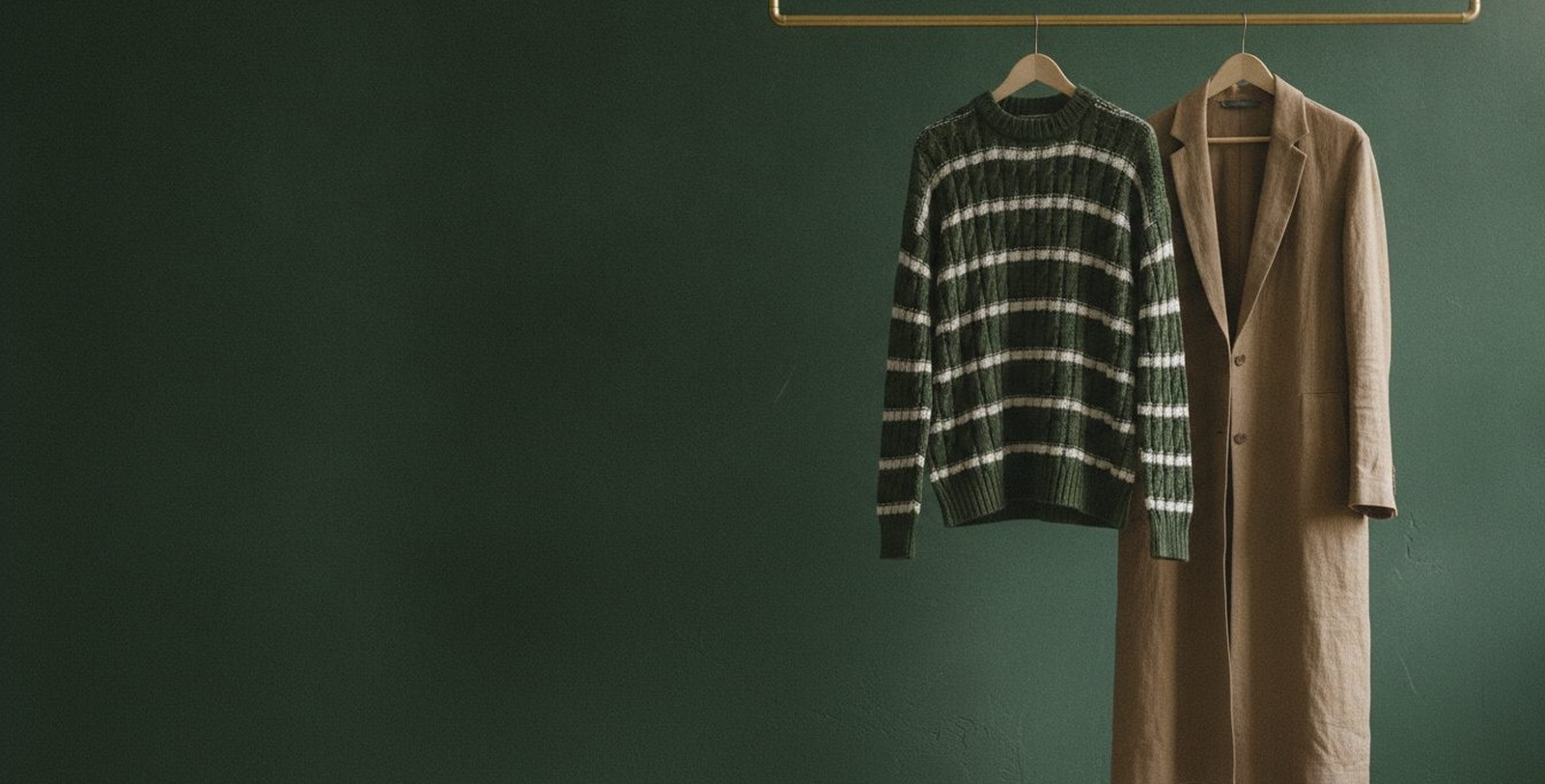
Vineta
Vineta - a Zid theme with a clean modern design, 22 re-orderable sections and two complete product page designs chosen from the settings. Built so the English side is an exact mirror of the Arabic: every gap and every side written logically rather than copied. Measured on phone and desktop in both languages.
Theme features
Fits every screen
A responsive design measured on phone, tablet and desktop, in Arabic and English
A true Arabic/English mirror
Every gap and every side is written logically, so English is an exact mirror of Arabic rather than a copy of it
22 re-orderable sections
Slider, categories, product tabs, testimonials, FAQs, branches, Instagram, videos and more
Two product page designs
Default and professional, chosen from a single dropdown in the general settings
Adverts that know where they belong
A popup, and inner-page banners where each one names the categories it appears on
Colours and type, fully yours
Site, button and border colours, and 30+ Arabic and English typefaces
WhatsApp and loyalty
A floating WhatsApp button with a chat window and ready messages, and full support for Zid loyalty points
Built for Zid
Full support for the platform: cart, wishlist, coupons, gifting, reviews and questions
Theme user guide
Download the ready-made design
One file gives your store the demo store's look: the home page with its sections and texts, the header and footer, colors and fonts, in both languages. After importing, put in your own texts and pictures.
How to import it
- Download the file.
- In your Zid dashboard, click
Customize
on Vineta, thenImport
and choose the file. - Check the result and press
Publish
.
Import replaces your customization without asking, so press Export
first. Your products and categories stay as they are.
Guide contents
General settings and identity
This is where your whole store identity lives: colours, fonts, the loader, the product page design and the default product settings - all from the theme panel with no coding.
- Product page design: one of: default, pro
- Make product images sticky on scroll: off by default
- Show "You may also like" section on the product page: on by default
- Show "You may also like" on the cart page: on by default
- Make all sections in the website in full width: off by default
- Disable right click: off by default
- Show loader: on by default
- Loader logo image: an image
- Loader background color: a colour
- Select spinner icon: one of: spinner1, spinner2
- Use theme default background color: on by default
- Corner style: one of: soft, sharp, round
- Text color in the website: a colour
- Website background color: a colour
- Buttons background color: a colour
- Buttons text color: a colour
- All borders in the website color: a colour
- Add script in the end of the head: text
- Add script in the end of the body: text
- Breadcrumb background color: a colour
- Breadcrumb text color: a colour
- Text color with background: a colour
- Breadcrumb background image in inner pages: an image
- Open cart directly when adding product to it: off by default
- Hide ratings in products card: off by default
- Hide product description in products card: off by default
- Products card style on category and products pages: one of: style1, style2
- Show offer countdown in products card: off by default
- Products card background color: a colour
- Products card border color: a colour
The site's typeface, from a list of Arabic and English fonts.
- Font name: one of: Open+Sans, Inter:ital,opsz, Changa, Cairo, Amiri, Mada…
Extra colours for particular elements.
- Text color: a colour
- Text color: a colour
- Text color: a colour
- Text color: a colour
- Background color: a colour
- Menu color: a colour
- Logo (150 × 150): an image
The look of the store's scrollbar.
- Scrollbar thumb color: a colour
- Scrollbar background color: a colour
- Scrollbar hover color: a colour
A popup shown when a visitor arrives, supporting more than one slide - ideal for an offer or a discount.
- Display Ad: off by default
- Display Ad: one of: 0, 1
- How often the popup appears: one of: session, day, always
- Hide on Mobile: off by default
- Loop Slider: on by default
- Auto Play: on by default
- Show Arrows: on by default
- Show Dots: on by default
- Gallery Item: a list you add to, each item holding: Select Text Direction, Hide on Mobile and Tablet, Background Image, Small Title, Title, Subtitle… and 20 more
Advertising banners on category pages and on the all-products listing. Every word on them - small title, headline, subtitle, button - is typed in the panel rather than baked into the picture, so the copy changes without new artwork. Each banner can name **the categories it appears on**, and one that names none appears on every inner page. Show one, two or three across, give the section its own heading, and if no image is uploaded the banner stands on one of the store colours.
- Hide Banner: off by default
- Full Width: off by default
- Section title: text
- Subtitle: text
- Title colour: a colour
- Centre the title: off by default
- Section Padding Top (Default is 30): one of: default, 00, 10, 20, 30, 40…
- Section Padding Bottom (Default is 30): one of: default, 00, 10, 20, 30, 40…
- Section Padding Top (Mobile): one of: default, 00, 10, 20, 30, 40…
- Section Padding Bottom (Mobile): one of: default, 00, 10, 20, 30, 40…
- Loop Slider: on by default
- Autoplay: on by default
- Autoplay Speed (ms): a number
- Fade Transition: off by default
- Slides Per View (Desktop): one of: 1, 2, 3
- Show Arrows: on by default
- Show Dots: on by default
- Dots & Arrows Color: a colour
- Banners (two or more make the slider run): a list you add to, each item holding: Target categories (leave empty to show on every page), Banner Image (Desktop), Banner Image (Mobile), Background colour (used when no image is uploaded), Image Alt Text, Small title… and 13 more
A floating WhatsApp button with a chat window and ready messages, plus the back-to-top control.
- Show back to top button: on by default
- Back to top button background color: a colour
- Back to top button text color: a colour
- Back to top button line color: a colour
- Hide WhatsApp completely: off by default
- Show chat box: on by default
- Top and bottom container background color: a colour
- Chat box background color: a colour
- Messages background color: a colour
- WhatsApp icon background color: a colour
- WhatsApp icon color: a colour
- Circle color: a colour
- Chat Title: text
- Chat Image: an image
- Circle color above the image: a colour
- Messages: a list you add to, each item holding: Message
- Footer Title: text
- WhatsApp number color inside the chat: a colour
Header
General header settings.
- Full Width: off by default
- Hide fixed cart button: off by default
- Mobile menu background color: a colour
- Border color under the header: a colour
The top bar: a run of messages, links, social icons, and language and currency.
- Display announcement bar: on by default
- Display announcement bar in: one of: all, home
- Hide close button: off by default
- Text: a list you add to, each item holding: Text, Link
- Background color: a colour
- Text color: a colour
- Enable animation: off by default
- Lap time (seconds - larger is slower): a number
- Pause on hover: off by default
- Bar speed in seconds: text
- Link: a link
- Text: text
The header: logo, search, icons and menu.
- Sticky header: on by default
- Transparent header over the main slider (home page only): off by default
- Link and icon colour while transparent: a colour
- Header background on inner pages: a colour
- Header link colour on inner pages: a colour
- Header Design: one of: 1, 2, 3
- Logo: an image
- Logo for mobile: an image
- Logo in English: an image
- Logo for mobile in english: an image
- Background color: a colour
- Links color: a colour
- Icons color: a colour
- Search icon background color: a colour
- Search placeholder: text
- Hide search bar: off by default
- Hide language: off by default
- Hide country: off by default
- Hide wishlist: off by default
- Options: checkboxes
How the header behaves as it sticks on scroll.
- Header behaviour on scroll: one of: always_pinned, hide_on_scroll, static
- Header shape while stuck: one of: full_width, pill
- Background while stuck: a colour
- Text colour while stuck: a colour
- Icon colour while stuck: a colour
- Pill background: a colour
- Pill border: a colour
The same behaviour on inner pages.
- Header behaviour on scroll: one of: default, always_pinned, hide_on_scroll, static
- Header shape while stuck: one of: default, full_width, pill
- Background while stuck: a colour
- Text colour while stuck: a colour
- Icon colour while stuck: a colour
- Pill background: a colour
- Pill border: a colour
Featured categories shown in the header.
- Hide featured categories: off by default
- Background color of the button: a colour
- Title: text
- Categories: a list you add to, each item holding: Image, Name, Link
The store's phone number in the header.
- Phone text: text
- Phone: text
Footer
The footer's general settings: logo, blurb, colours and store apps.
- Full Width: off by default
- Background color: a colour
- Titles color: a colour
- Links and inner text color: a colour
- Link hover color: a colour
- Link hover background color: a colour
- Store address color and phone number: a colour
- Social icons background color: a colour
- Social icons color: a colour
- Copyrights background color: a colour
- Text color in copyrights: a colour
- Text color in VAT and commercial registration: a colour
- Logistics and payment icons background color: a colour
- iOS app id: text
- Android app id: text
- Copyright text (empty = the platform's own credit): text
- Copyrights link: text
- Divider & border colour: a colour
- Accent button colour: a colour
- Accent button text: a colour
The store's address and contact details.
- Hide: off by default
- Footer Logo: an image
- Business location: text
- Phone number: text
- Email: text
- Title: text
Social accounts.
- Hide: off by default
- Facebook link: text
- Instagram link: text
- Twitter link: text
- Snapchat link: text
- Tiktok link: text
- Website link: text
- Title: text
A column of links in the footer.
- Hide: off by default
- Title: text
- Links: a list you add to, each item holding: text, Link
A second column of links.
- Hide: off by default
- Links: a list you add to, each item holding: Link, text
- Title: text
A third column of links.
- Hide: off by default
- Title: text
- Links: a list you add to, each item holding: text, Link
Shipping and payment companies, the VAT number and the commercial registration.
- Hide the whole section: off by default
- Hide shipping companies logos: off by default
- Hide payment methods logos: off by default
- Hide business platform: off by default
- Business platform number: text
- Hide VAT number: off by default
- VAT number: text
- VAT certificate link: a link
- Hide registration number: off by default
- Commercial registration number: text
A short note about the store in the footer.
- Description: text
- Title: text
The newsletter or contact card in the footer.
- Hide: off by default
- Title: text
- Text: text
- Subscribe endpoint (the form appears once set): a link
- Field placeholder: text
- Button text: text
Home page sections
The main slider is the first thing a visitor sees: image or video slides with copy and buttons over them, and full control of speed and transition.
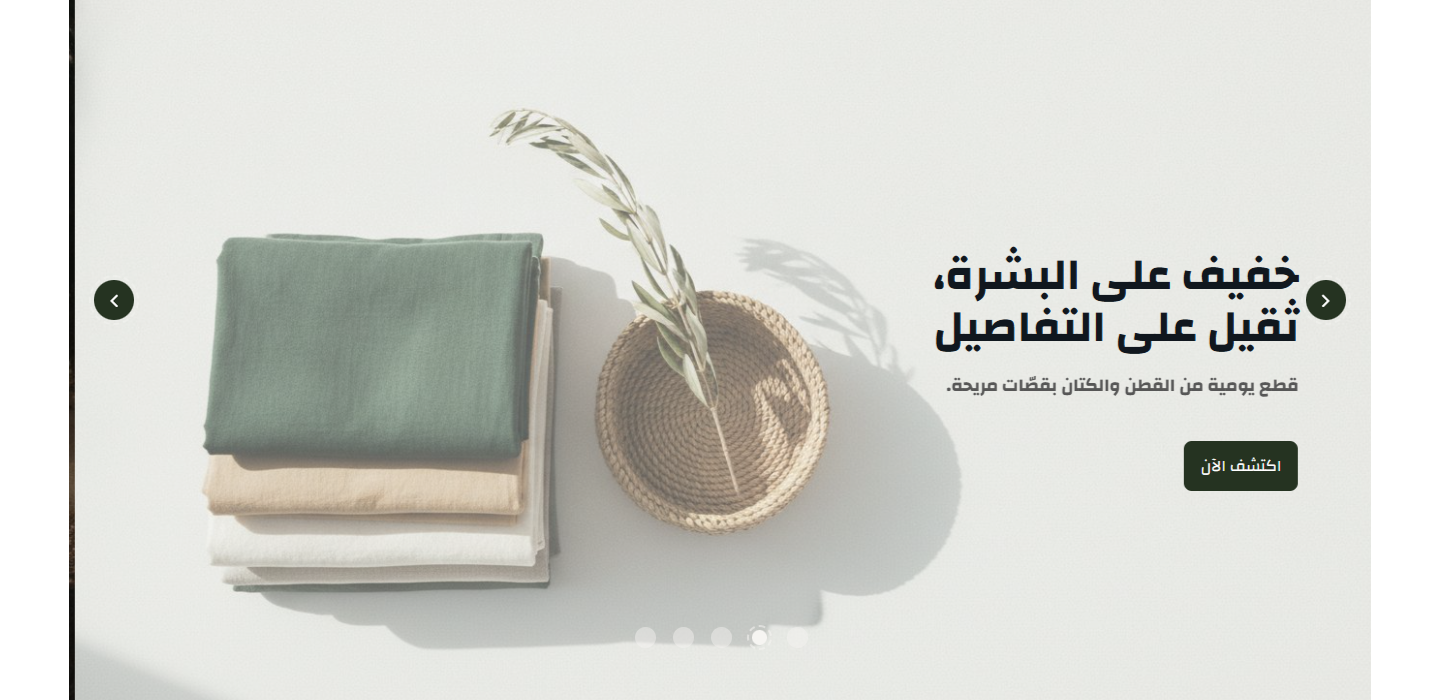
- Pictures: a list you add to, each item holding: Title, Center content, Show Snow, Background color, Show Overlay, Overlay Color… and 13 more
- Hide dots: off by default
- Auto Play: on by default
- Hide arrows: off by default
- Infinite: on by default
- Put slider inside a container: off by default
- Padding in web: text
- Padding in mobile: text
- Inside padding in web: text
- Inside padding in mobile: text
- Hide section: Show or hide the whole section
- Full width: Stretch the section across the screen instead of the boxed container
- Top & bottom padding: The space above and below the section, 0 to 200px
- Title & subtitle: Main and sub heading text, each with its own colour
- Center title: Centre the heading or align it to the start of the line
- Title bottom spacing: The gap between the heading and the section content
- Background: A background colour or image, with a fixed-on-scroll option
- Overlay: A colour layer over the background image, with colour and opacity
A moving text strip for offers and quick messages.

- Messages: a list you add to, each item holding: Text, Link (optional)
- Strip colour: a colour
- Strip text colour: a colour
- Strip height - inner padding (e.g. 20px): text
- Space above and below the strip (e.g. 10px): text
- Continuous motion instead of one message at a time: off by default
- Autoplay (in one-message-at-a-time mode): on by default
- Scroll direction: one of: auto, reverse, rtl, ltr
- Scroll speed: one of: 5000, 10000, 18000
- Hide section: Show or hide the whole section
- Full width: Stretch the section across the screen instead of the boxed container
- Top & bottom padding: The space above and below the section, 0 to 200px
- Title & subtitle: Main and sub heading text, each with its own colour
- Center title: Centre the heading or align it to the start of the line
- Title bottom spacing: The gap between the heading and the section content
- Background: A background colour or image, with a fixed-on-scroll option
- Overlay: A colour layer over the background image, with colour and opacity
Your store's promises - shipping, returns, secure payment - as icons and copy, with full control of each item: grid or slider, items per row, and colours.
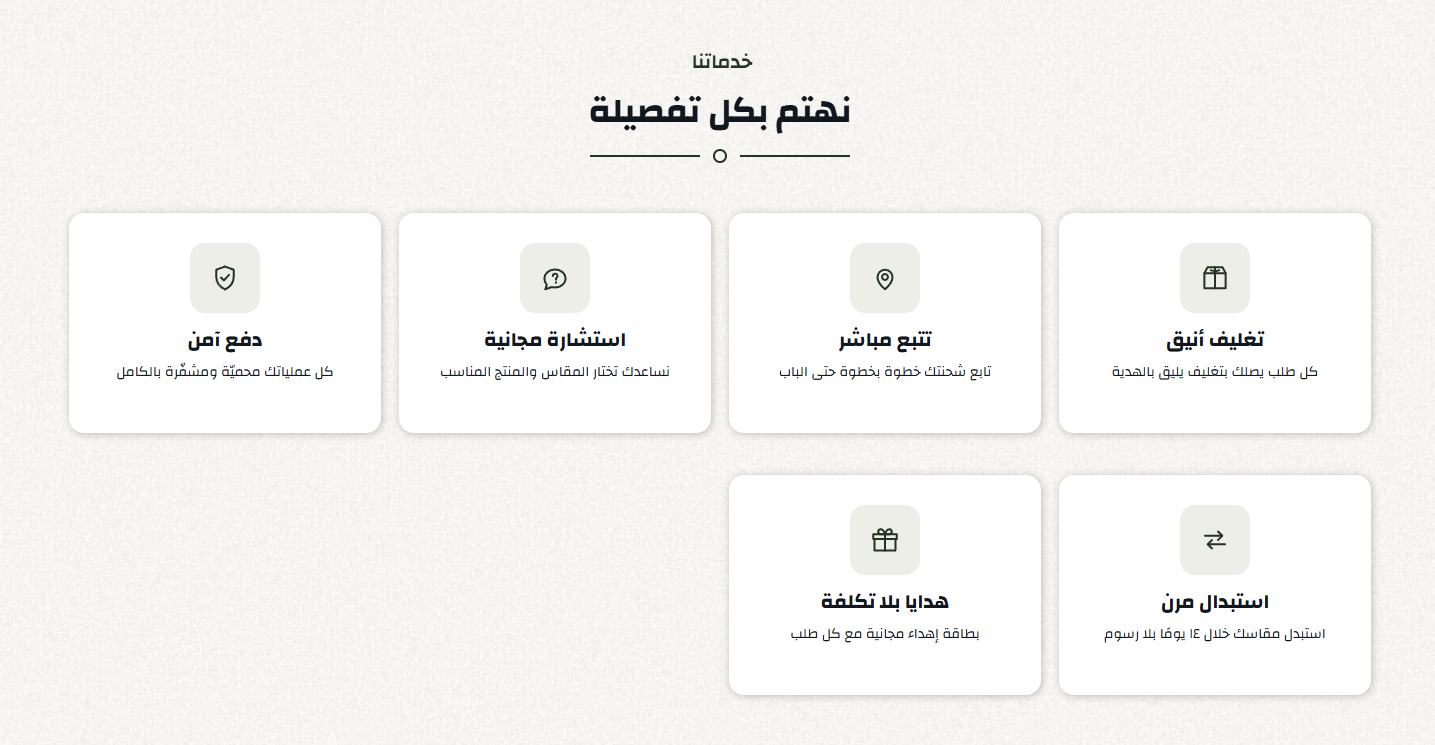
- Center Text inside items: off by default
- Features: a list you add to, each item holding: Icon, Title, Text
- Items per Row: one of: 4, 3, 2
- Item Border Color: a colour
- Layout: one of: grid, slider
- Item Background Color: a colour
- Icon Background Color: a colour
- Icon Shape: one of: 15px, 50%
- Convert Icons to White: off by default
- Text Color inside items: a colour
- Loop items: on by default
- Autoplay: off by default
- Hide section: Show or hide the whole section
- Full width: Stretch the section across the screen instead of the boxed container
- Top & bottom padding: The space above and below the section, 0 to 200px
- Title & subtitle: Main and sub heading text, each with its own colour
- Center title: Centre the heading or align it to the start of the line
- Title bottom spacing: The gap between the heading and the section content
- Background: A background colour or image, with a fixed-on-scroll option
- Overlay: A colour layer over the background image, with colour and opacity
Your categories as a grid or a slider, each with its picture, name and link.
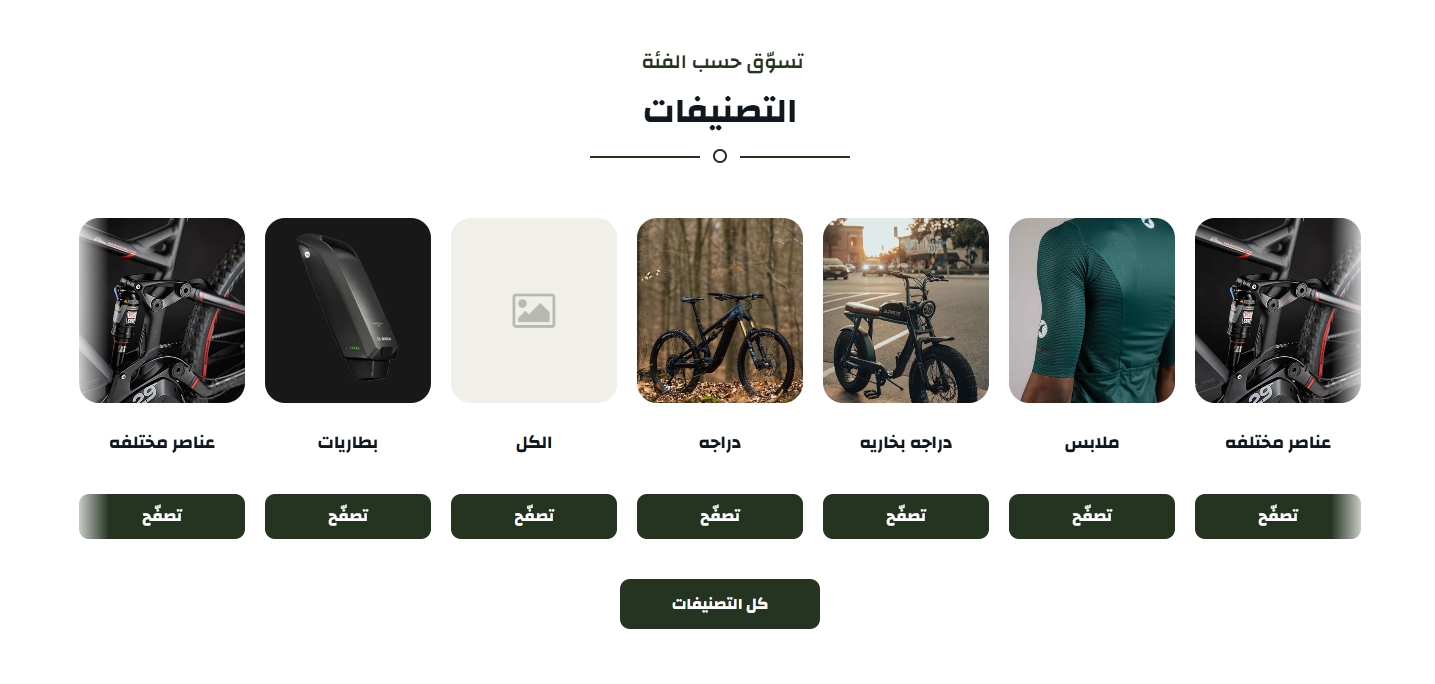
- Show category link inside the category: on by default
- Link text for the button inside the category: text
- Link background color for the button inside the category: a colour
- Display button more products: on by default
- More text: text
- More button background color: a colour
- Items per Row (with list): one of: 4, 3, 2
- Pull the store's categories automatically (instead of picking them): off by default
- Maximum categories in automatic mode: one of: 0, 4, 6, 8, 10, 12
- Categories: a list you add to, each item holding: Select category
- Border color below the title: a colour
- Select if the section will be in the form of a slider or list: one of: style1, style2
- Card Background Color: a colour
- Image Background Color: a colour
- Category name colour inside the card: a colour
- Infinite: on by default
- Autoplay: on by default
- Arrows (requires save): on by default
- Hide section: Show or hide the whole section
- Full width: Stretch the section across the screen instead of the boxed container
- Top & bottom padding: The space above and below the section, 0 to 200px
- Title & subtitle: Main and sub heading text, each with its own colour
- Center title: Centre the heading or align it to the start of the line
- Title bottom spacing: The gap between the heading and the section content
- Background: A background colour or image, with a fixed-on-scroll option
- Overlay: A colour layer over the background image, with colour and opacity
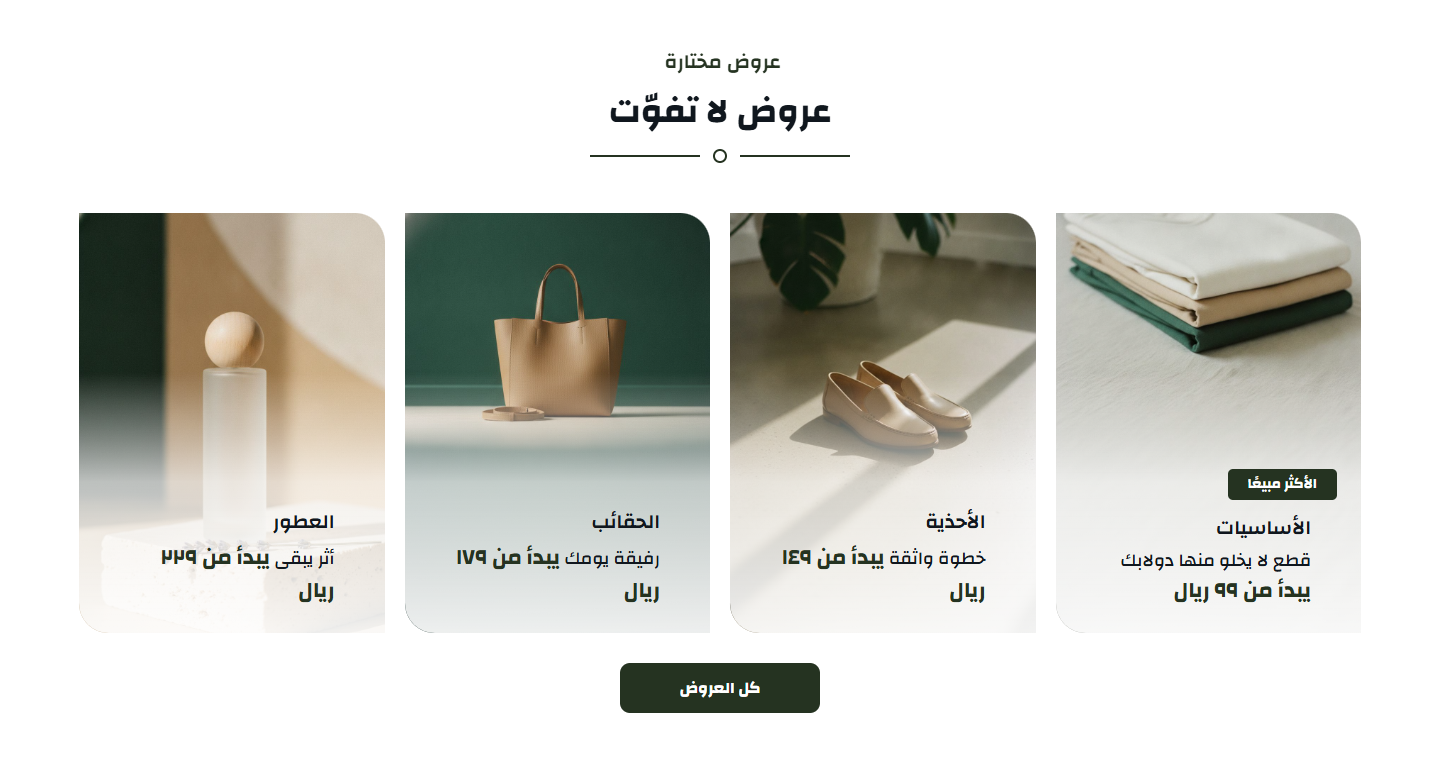
Categories over a picture or a colour with an advert beside them - the richest of the theme's category layouts.
- Display button more products: on by default
- More text: text
- More button background color: a colour
- More button link: a link
- Open link in new tab: off by default
- Items per Row: one of: 4, 3, 2
- Cards: a list you add to, each item holding: Center Content, Background Image, Item Background Color, Show Overlay, Overlay Color, Overlay Opacity… and 15 more
- Title Color: a colour
- Select if the section will be in the form of a slider or list: one of: style1, style2
- Infinite: on by default
- Autoplay: on by default
- Arrows: on by default
- Hide section: Show or hide the whole section
- Full width: Stretch the section across the screen instead of the boxed container
- Top & bottom padding: The space above and below the section, 0 to 200px
- Title & subtitle: Main and sub heading text, each with its own colour
- Center title: Centre the heading or align it to the start of the line
- Title bottom spacing: The gap between the heading and the section content
- Background: A background colour or image, with a fixed-on-scroll option
- Overlay: A colour layer over the background image, with colour and opacity
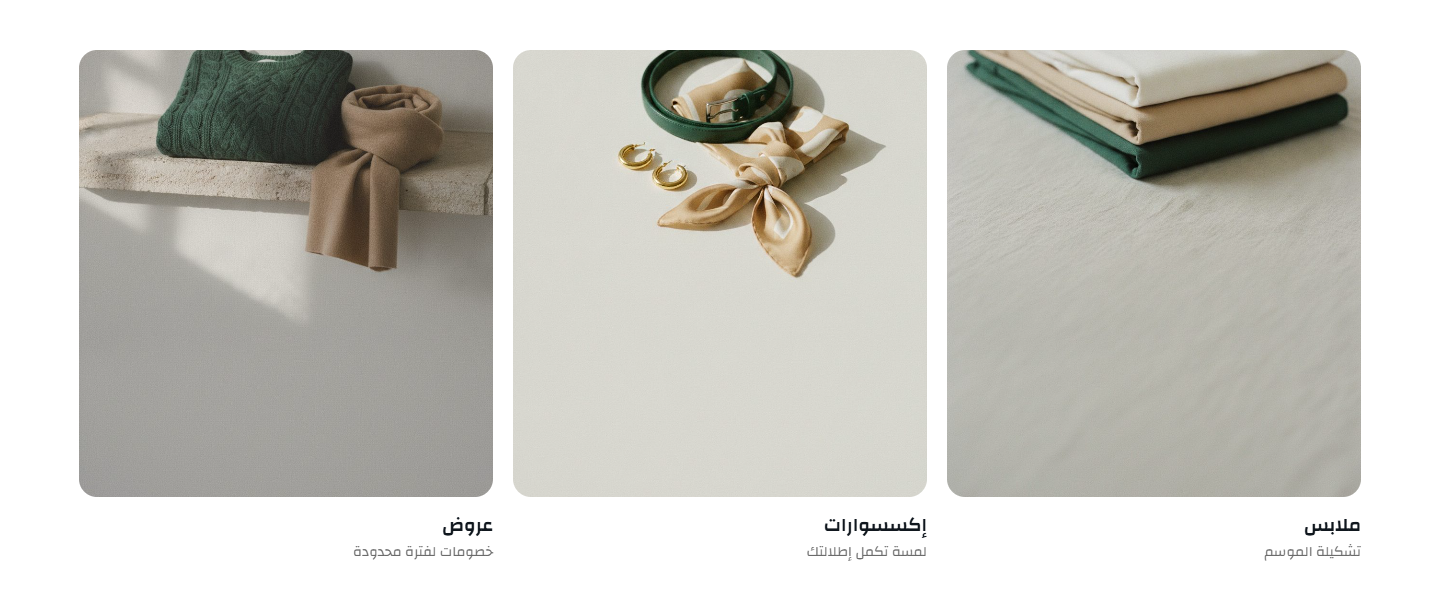
Collections, each on its own background image, with a title, a short line and a link.
- Negative margin to attach section top with header or slider: off by default
- Pull the store's categories from Zid automatically: off by default
- Maximum categories in automatic mode: one of: 0, 3, 4, 6, 8, 12
- Categories: a list you add to, each item holding: Pick a category from your store, Title (leave empty to use the category name), Description, Image (leave empty to use the category image), Link (leave empty to open the category), Link text
- Autoplay: on by default
- Hide arrows: off by default
- Infinite: on by default
- Hide section: Show or hide the whole section
- Full width: Stretch the section across the screen instead of the boxed container
- Top & bottom padding: The space above and below the section, 0 to 200px
- Title & subtitle: Main and sub heading text, each with its own colour
- Center title: Centre the heading or align it to the start of the line
- Title bottom spacing: The gap between the heading and the section content
- Background: A background colour or image, with a fixed-on-scroll option
- Overlay: A colour layer over the background image, with colour and opacity
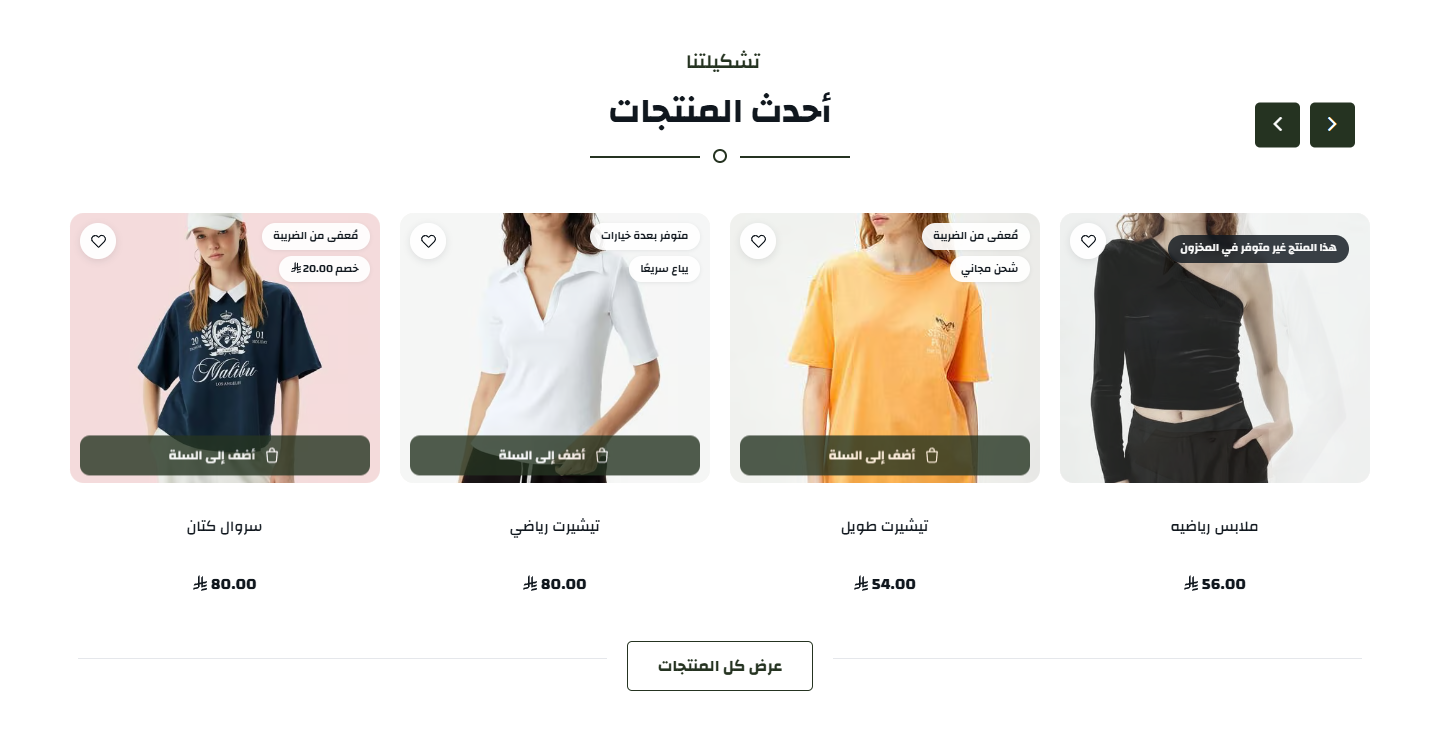
A scrollable product row, picked by hand or from a category, with the column count you choose for each screen size.
- More Text: text
- More Link: text
- Select category products: picked from the store
- Items Count: one of: default, 1, 2, 3, 4, 5…
- Items Per Row: one of: 6, 4, 3
- Select Style: one of: style1, style2
- Border Color: a colour
- Labels Border Color: a colour
- Labels Background Color: a colour
- Labels Text Color: a colour
- Infinite: on by default
- Autoplay: on by default
- Display Arrows: on by default
- Items Web: a number
- Items Tablet: a number
- Items Mobile: a number
- Hide section: Show or hide the whole section
- Full width: Stretch the section across the screen instead of the boxed container
- Top & bottom padding: The space above and below the section, 0 to 200px
- Title & subtitle: Main and sub heading text, each with its own colour
- Center title: Centre the heading or align it to the start of the line
- Title bottom spacing: The gap between the heading and the section content
- Background: A background colour or image, with a fixed-on-scroll option
- Overlay: A colour layer over the background image, with colour and opacity
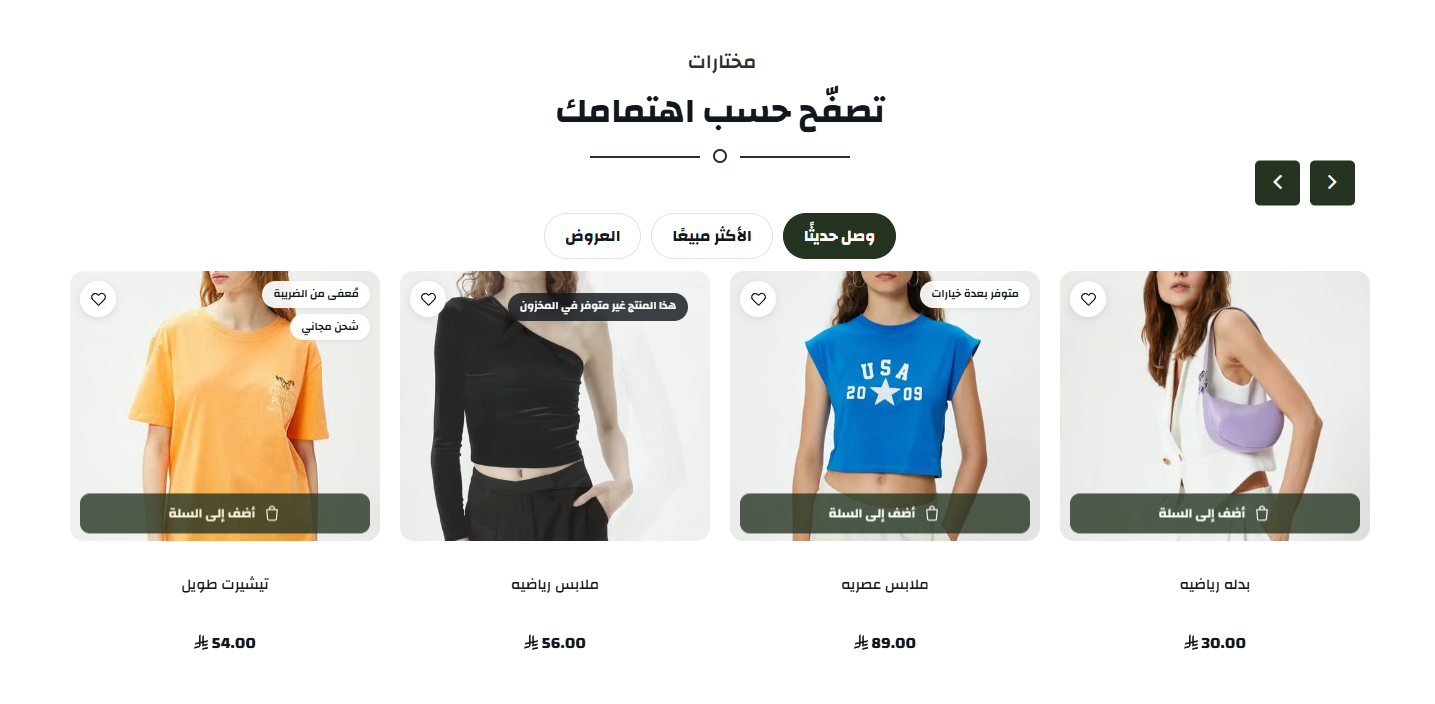
Your products across tabs - newest, best selling, a chosen category - and the visitor moves between them without a page load.
- Tabs in the center: off by default
- Tabs: a list you add to, each item holding: Tab Title, Select category products, Full Width, Select if the section will be in the form of a slider or list, Infinite (requires save), Autoplay (requires save)… and 12 more
- Border Color: a colour
- Hide section: Show or hide the whole section
- Full width: Stretch the section across the screen instead of the boxed container
- Top & bottom padding: The space above and below the section, 0 to 200px
- Title & subtitle: Main and sub heading text, each with its own colour
- Center title: Centre the heading or align it to the start of the line
- Title bottom spacing: The gap between the heading and the section content
- Background: A background colour or image, with a fixed-on-scroll option
- Overlay: A colour layer over the background image, with colour and opacity
One category's products in a single row - useful for putting a particular department forward on the home page.
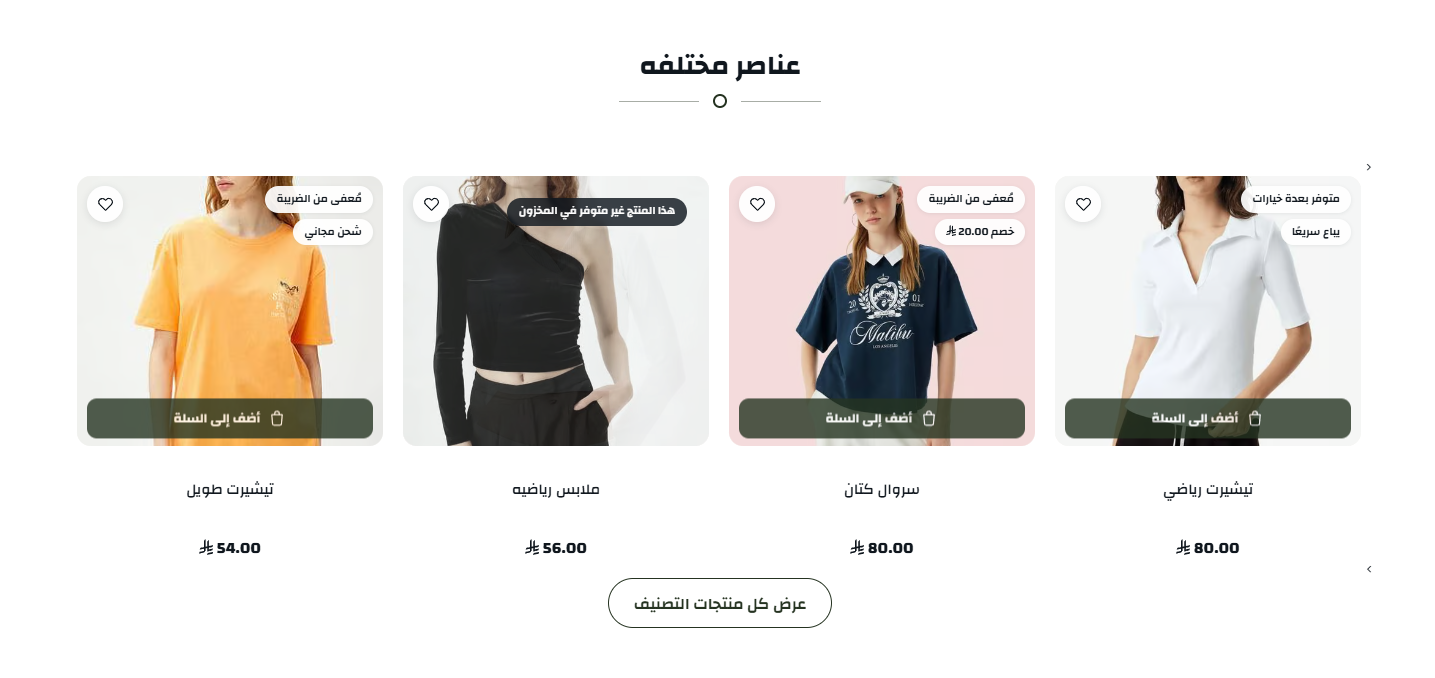
- Show flower in the title: on by default
- Display button more products: on by default
- More text: text
- Items count: a number
- Select category products: picked from the store
- Display style: one of: style1, style2, style3
- Labels border color: a colour
- Labels background color: a colour
- Labels text color: a colour
- Infinite: on by default
- Autoplay: on by default
- Show arrows: on by default
- Items count web: a number
- Items count tablet: a number
- Items count mobile: a number
- Hide section: Show or hide the whole section
- Full width: Stretch the section across the screen instead of the boxed container
- Top & bottom padding: The space above and below the section, 0 to 200px
- Title & subtitle: Main and sub heading text, each with its own colour
- Center title: Centre the heading or align it to the start of the line
- Title bottom spacing: The gap between the heading and the section content
- Background: A background colour or image, with a fixed-on-scroll option
- Overlay: A colour layer over the background image, with colour and opacity
Cards with images, copy and links in a slider - for offers, collections, or anything else you want to feature.
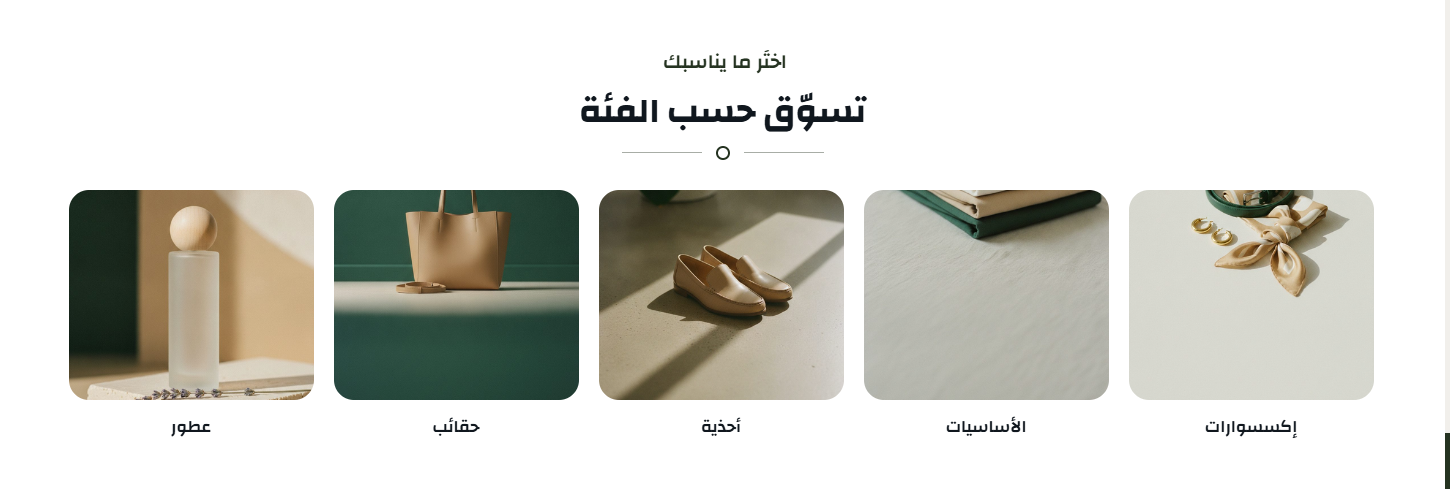
- Show title ornament: off by default
- Card: a list you add to, each item holding: Image (200 × 200), Title, Link
- Card title color: a colour
- Cards per row: one of: 3, 4, 5, 6
- Infinite loop: off by default
- Show arrows: on by default
- Show dots: off by default
- Autoplay: off by default
- Hide section: Show or hide the whole section
- Full width: Stretch the section across the screen instead of the boxed container
- Top & bottom padding: The space above and below the section, 0 to 200px
- Title & subtitle: Main and sub heading text, each with its own colour
- Center title: Centre the heading or align it to the start of the line
- Title bottom spacing: The gap between the heading and the section content
- Background: A background colour or image, with a fixed-on-scroll option
- Overlay: A colour layer over the background image, with colour and opacity
Compact products in a vertical list beside advertising panels - products and a promotion in one section.
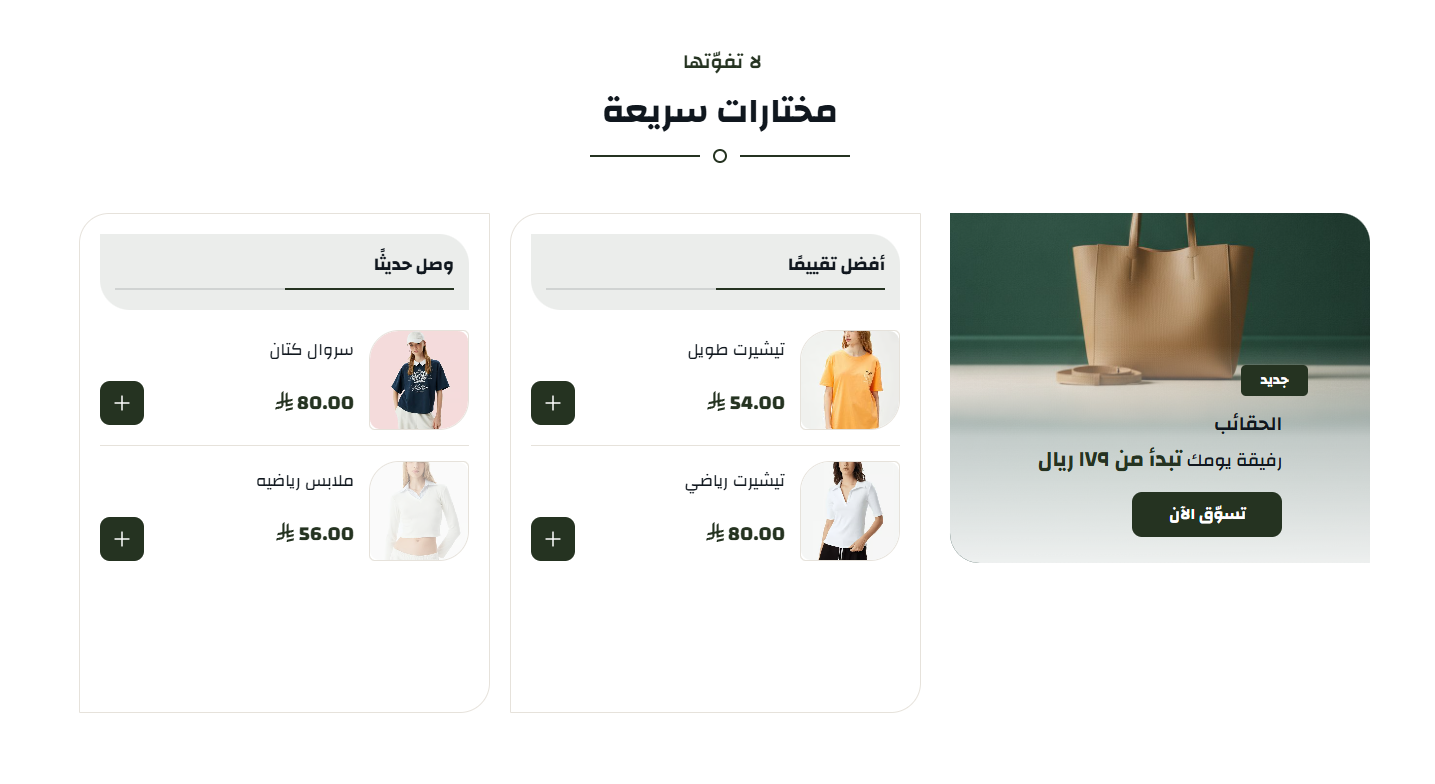
- Reverse Order: off by default
- More Text: text
- More Link: a link
- Columns: a list you add to, each item holding: Main Color, Column Title, View All Text, View All Link, Open in new tab, Select ad products… and 2 more
- Items: a list you add to, each item holding: Center Content, Background Image, Item Background Color, Show Overlay, Overlay Color, Overlay Opacity… and 15 more
- Items per Row: one of: 4, 3, 2
- Count Products to Show per Slide: one of: 1, 2, 3, 4, 5, 6
- Show Ads: off by default
- Hide Ads on Mobile: off by default
- Select if the section will be in the form of a slider or list: one of: style1, style2
- More Link Background: a colour
- Show Ads Full Height: off by default
- Infinite: on by default
- Autoplay: on by default
- Arrows: on by default
- Hide section: Show or hide the whole section
- Full width: Stretch the section across the screen instead of the boxed container
- Top & bottom padding: The space above and below the section, 0 to 200px
- Title & subtitle: Main and sub heading text, each with its own colour
- Center title: Centre the heading or align it to the start of the line
- Title bottom spacing: The gap between the heading and the section content
- Background: A background colour or image, with a fixed-on-scroll option
- Overlay: A colour layer over the background image, with colour and opacity
An advertising image with real copy over it - a heading, a line and a button as HTML rather than printed into the picture, so the words stay sharp at any size and search engines can read them.
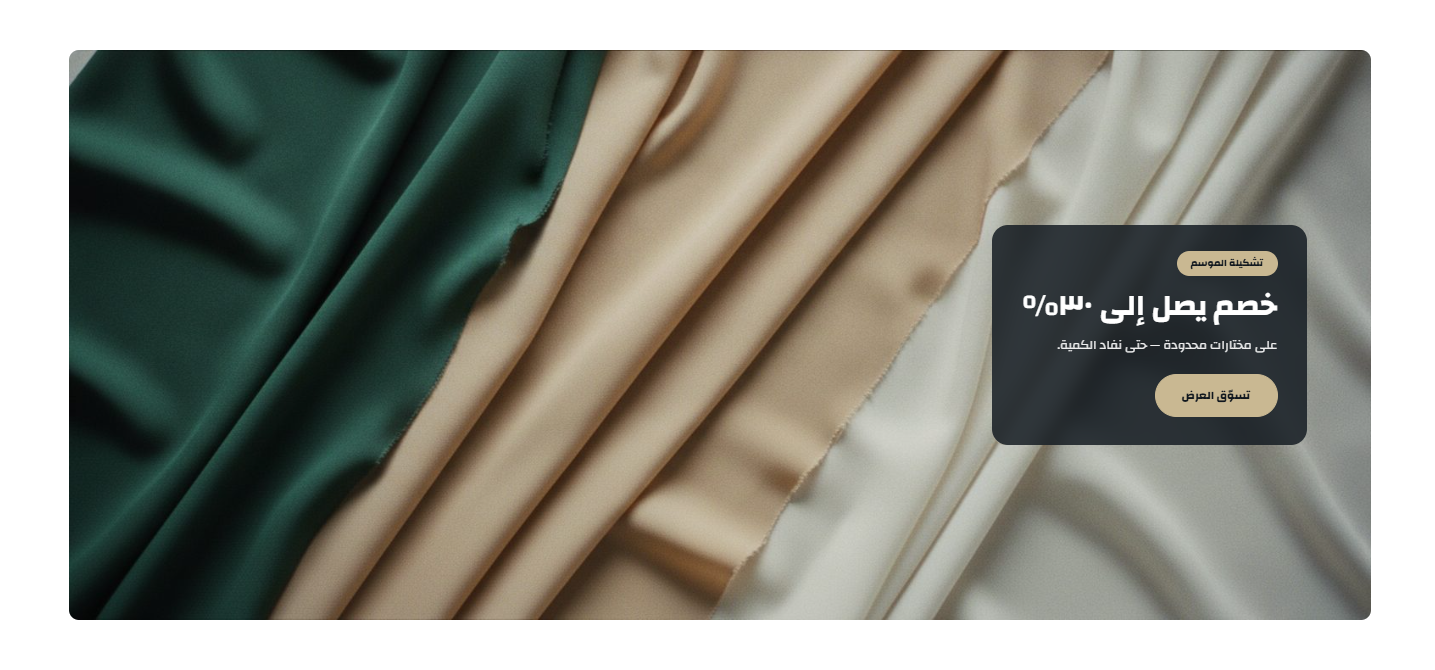
- Open in New Tab: off by default
- Eyebrow: text
- Headline: text
- Subtitle: text
- Button text: text
- Button link: a link
- Image: an image
- Image Link: a link
- Copy position: one of: start, center, end
- Soften the picture behind the copy: on by default
- Text colour: a colour
- Eyebrow background: a colour
- Eyebrow colour: a colour
- Button background: a colour
- Button text colour: a colour
- Hide section: Show or hide the whole section
- Full width: Stretch the section across the screen instead of the boxed container
- Top & bottom padding: The space above and below the section, 0 to 200px
- Title & subtitle: Main and sub heading text, each with its own colour
- Center title: Centre the heading or align it to the start of the line
- Title bottom spacing: The gap between the heading and the section content
- Background: A background colour or image, with a fixed-on-scroll option
- Overlay: A colour layer over the background image, with colour and opacity
An advertising gallery in a slider, each slide with its picture and link.
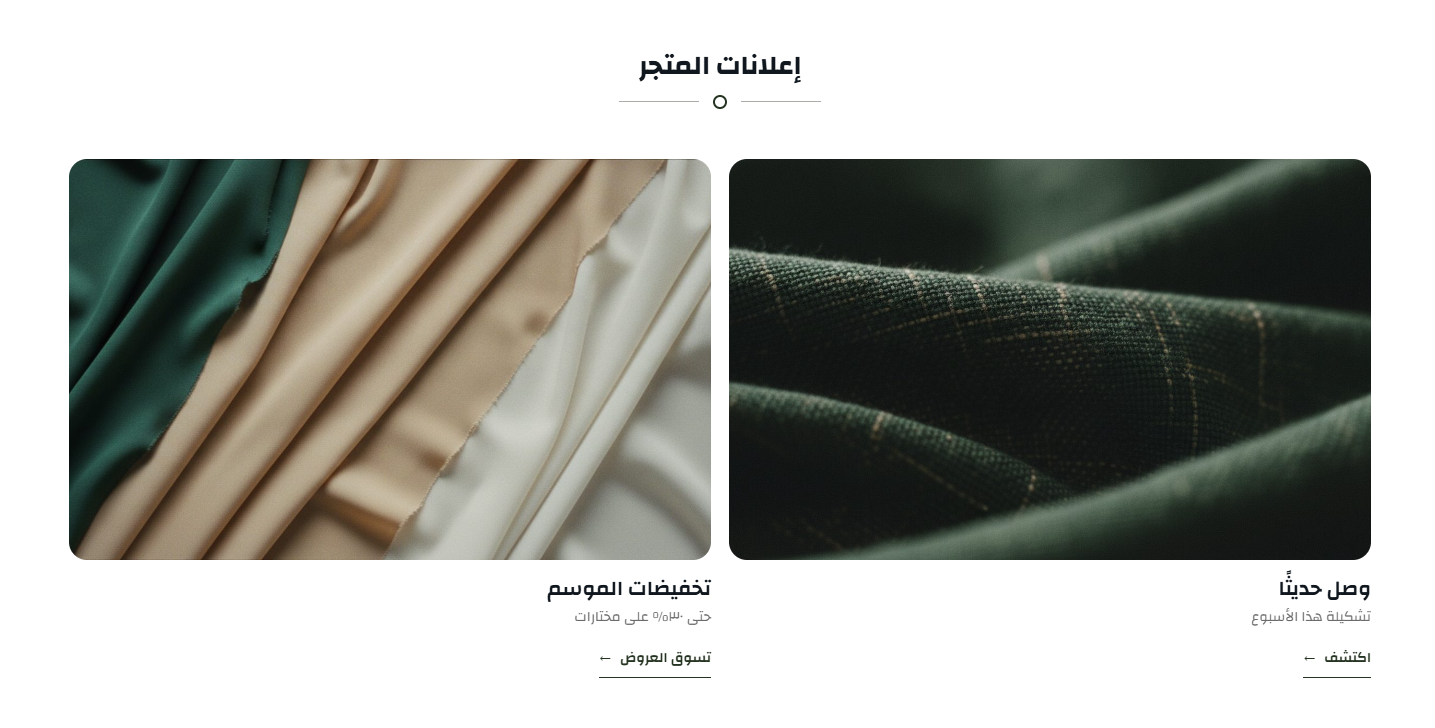
- Show flower in the title: on by default
- Gallery Items: a list you add to, each item holding: Pin background, White Texts, Hide on Mobile, Content Center, Title, Subtitle… and 3 more
- Hide section: Show or hide the whole section
- Full width: Stretch the section across the screen instead of the boxed container
- Top & bottom padding: The space above and below the section, 0 to 200px
- Title & subtitle: Main and sub heading text, each with its own colour
- Center title: Centre the heading or align it to the start of the line
- Title bottom spacing: The gap between the heading and the section content
- Background: A background colour or image, with a fixed-on-scroll option
- Overlay: A colour layer over the background image, with colour and opacity
Numbers that build trust: products, customers, years in business - whatever matters to your buyer.
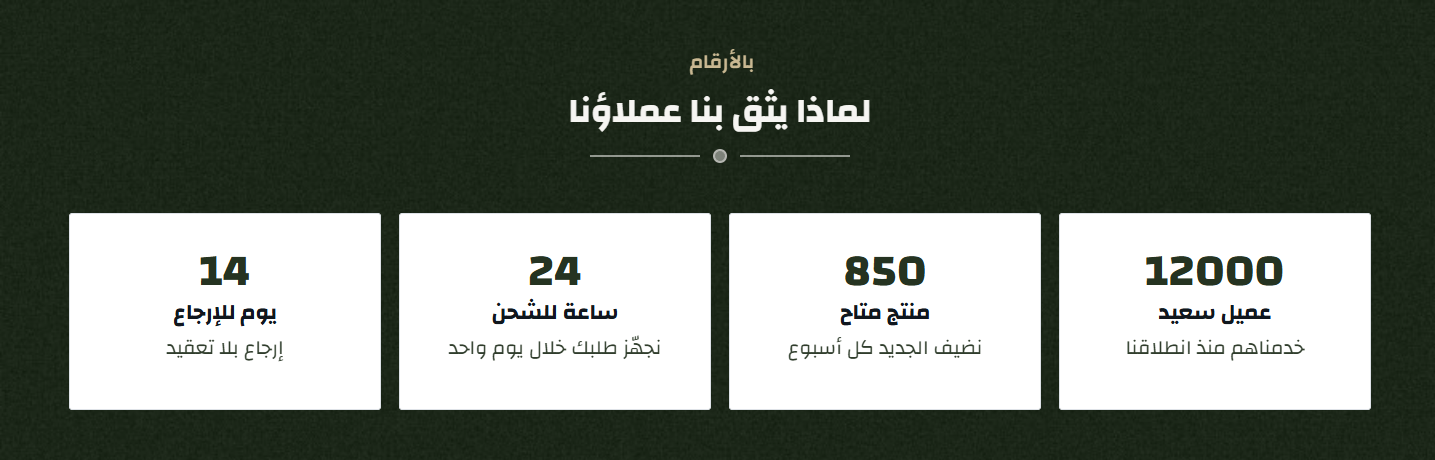
- Center Text inside items: off by default
- Items: a list you add to, each item holding: Image, The number to display, Title, description
- Items per Row: one of: 4, 3, 2
- Title Color: a colour
- Item Background Color: a colour
- Convert Icons to White: off by default
- Number Color inside items: a colour
- Title Color inside items: a colour
- Hide section: Show or hide the whole section
- Full width: Stretch the section across the screen instead of the boxed container
- Top & bottom padding: The space above and below the section, 0 to 200px
- Title & subtitle: Main and sub heading text, each with its own colour
- Center title: Centre the heading or align it to the start of the line
- Title bottom spacing: The gap between the heading and the section content
- Background: A background colour or image, with a fixed-on-scroll option
- Overlay: A colour layer over the background image, with colour and opacity
Customer opinions in a slider, each with a name, a picture and a rating.
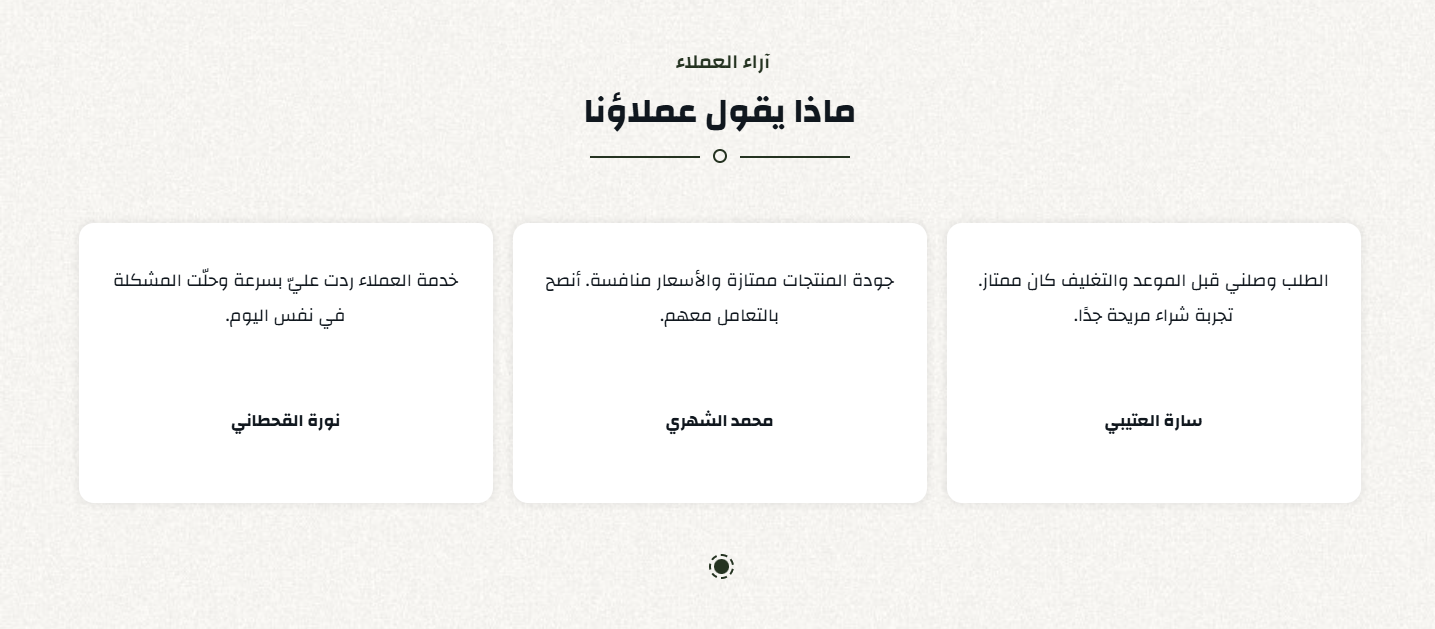
- Testimonials: a list you add to, each item holding: Client Review, Show Stars, Client Image, Client Name
- Items per Row: one of: 2, 3, 4, 6
- Border Color: a colour
- Select if the section will be in the form of a slider or list: one of: style1, style2
- Card Background Color: a colour
- Text Color: a colour
- Items count web: one of: 1, 2, 3, 4, 5
- Items count tablet: one of: 1, 2, 3
- Items count mobile: one of: 1, 2
- Autoplay: on by default
- Infinite: on by default
- Show Dots: on by default
- Show Arrows: on by default
- Hide section: Show or hide the whole section
- Full width: Stretch the section across the screen instead of the boxed container
- Top & bottom padding: The space above and below the section, 0 to 200px
- Title & subtitle: Main and sub heading text, each with its own colour
- Center title: Centre the heading or align it to the start of the line
- Title bottom spacing: The gap between the heading and the section content
- Background: A background colour or image, with a fixed-on-scroll option
- Overlay: A colour layer over the background image, with colour and opacity
Frequently asked questions as a collapsible list - fewer repeat questions for your support.
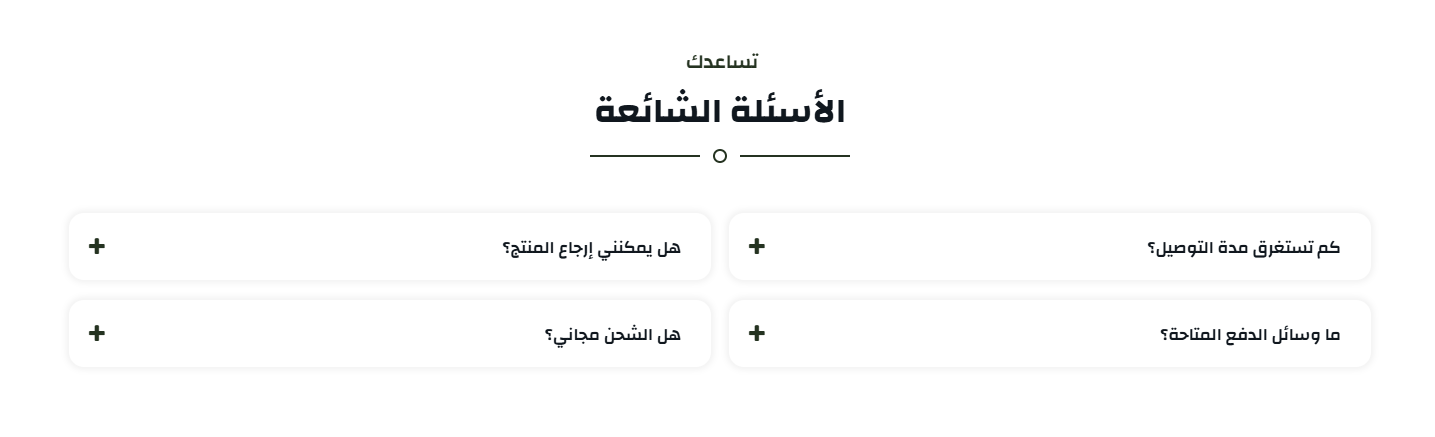
- Questions: a list you add to, each item holding: Question, Answer
- Items per Row: one of: 2, 3
- Title Color: a colour
- Title and Answer Background Color: a colour
- Title and Answer Color: a colour
- Hide section: Show or hide the whole section
- Full width: Stretch the section across the screen instead of the boxed container
- Top & bottom padding: The space above and below the section, 0 to 200px
- Title & subtitle: Main and sub heading text, each with its own colour
- Center title: Centre the heading or align it to the start of the line
- Title bottom spacing: The gap between the heading and the section content
- Background: A background colour or image, with a fixed-on-scroll option
- Overlay: A colour layer over the background image, with colour and opacity
Your branches with their addresses and details, in organised tabs.
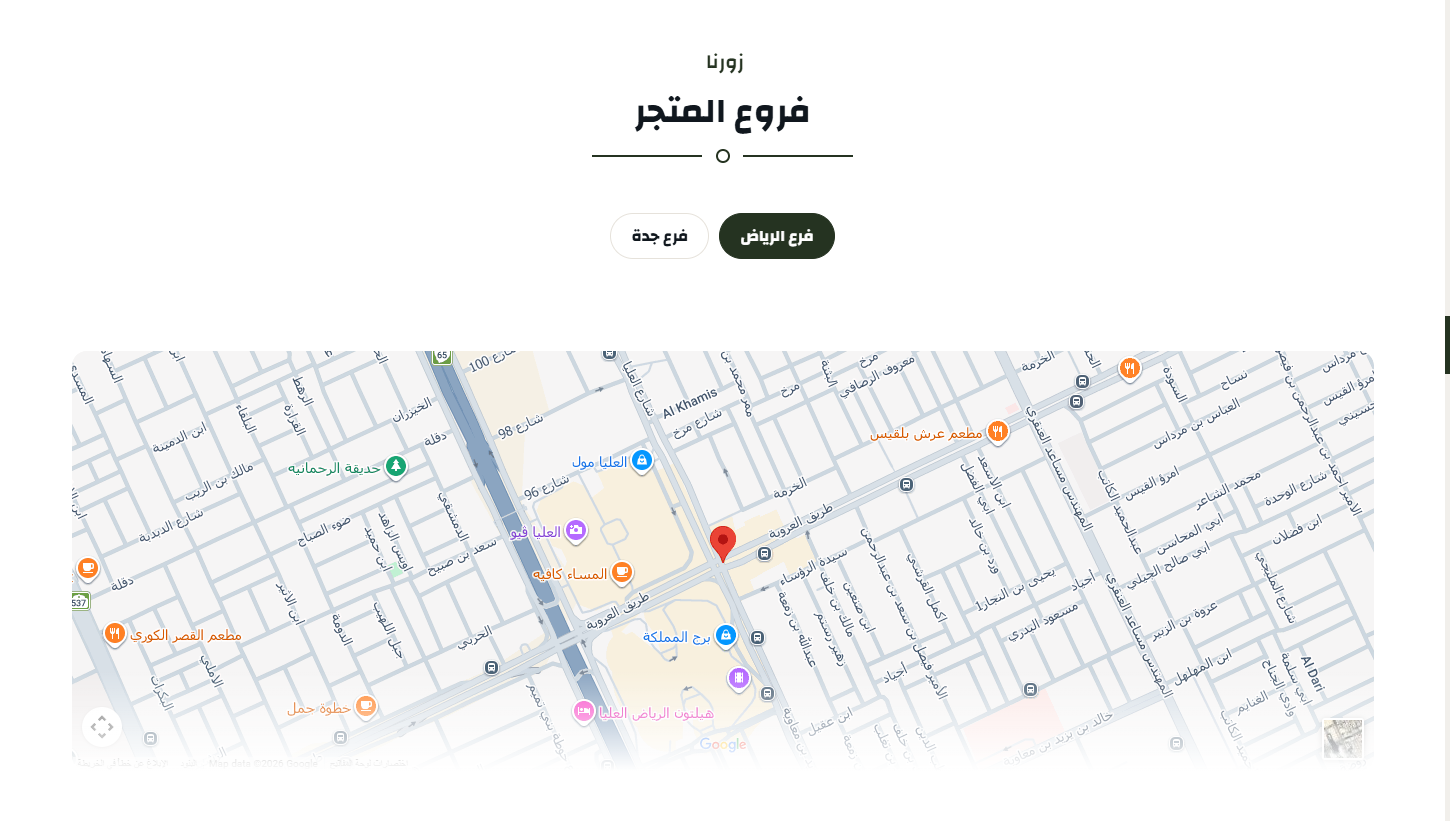
- tabs center: off by default
- Space under the tabs bar (default 50): one of: default, 00, 10, 20, 30, 40…
- Branches: a list you add to, each item holding: Branch Title, Branch Iframe From Google Map
- border Color: a colour
- Hide section: Show or hide the whole section
- Full width: Stretch the section across the screen instead of the boxed container
- Top & bottom padding: The space above and below the section, 0 to 200px
- Title & subtitle: Main and sub heading text, each with its own colour
- Center title: Centre the heading or align it to the start of the line
- Title bottom spacing: The gap between the heading and the section content
- Background: A background colour or image, with a fixed-on-scroll option
- Overlay: A colour layer over the background image, with colour and opacity
Your partners' or brands' logos in a moving strip.
- Show flower in the title: on by default
- Partners: a list you add to, each item holding: Image, Link
- Infinite: on by default
- Show Arrows: on by default
- Auto Play: on by default
- Hide section: Show or hide the whole section
- Full width: Stretch the section across the screen instead of the boxed container
- Top & bottom padding: The space above and below the section, 0 to 200px
- Title & subtitle: Main and sub heading text, each with its own colour
- Center title: Centre the heading or align it to the start of the line
- Title bottom spacing: The gap between the heading and the section content
- Background: A background colour or image, with a fixed-on-scroll option
- Overlay: A colour layer over the background image, with colour and opacity
Instagram pictures in a grid, tying your store to your account.
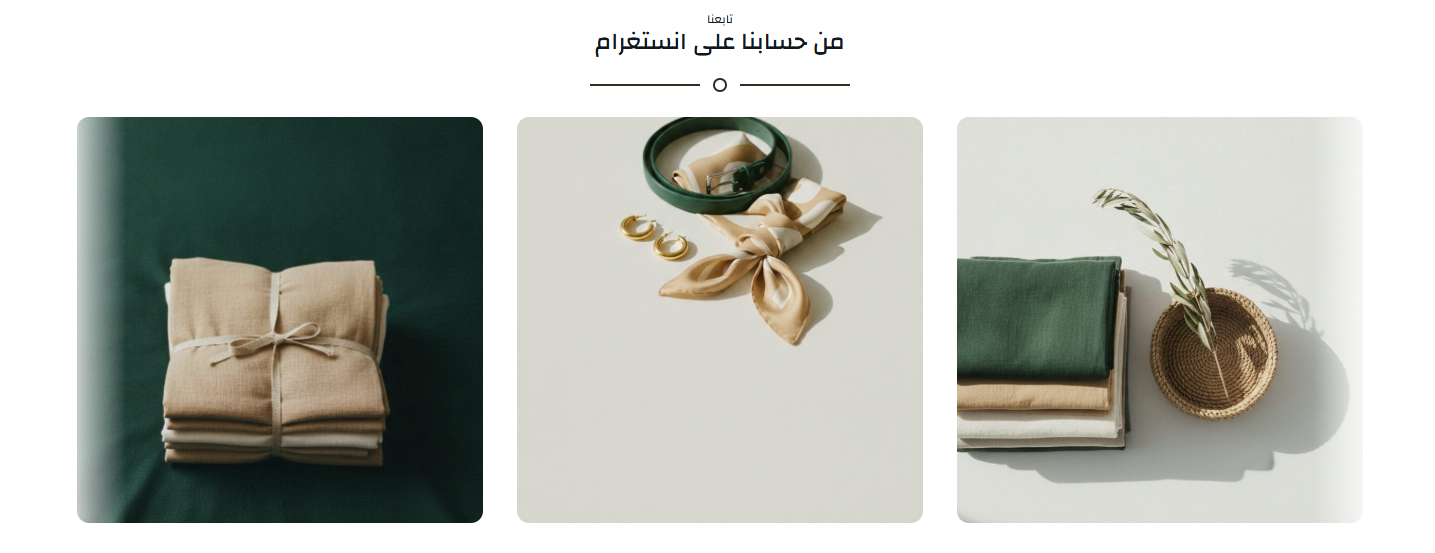
- Padding between elements from right and left (e.g. 10px): text
- Padding top and bottom (e.g. 10px): text
- Images: a list you add to, each item holding: Image, Link
- Autoplay: off by default
- Continuous movement (requires save): off by default
- Hide section: Show or hide the whole section
- Full width: Stretch the section across the screen instead of the boxed container
- Top & bottom padding: The space above and below the section, 0 to 200px
- Title & subtitle: Main and sub heading text, each with its own colour
- Center title: Centre the heading or align it to the start of the line
- Title bottom spacing: The gap between the heading and the section content
- Background: A background colour or image, with a fixed-on-scroll option
- Overlay: A colour layer over the background image, with colour and opacity
Your store or product videos in a slider.
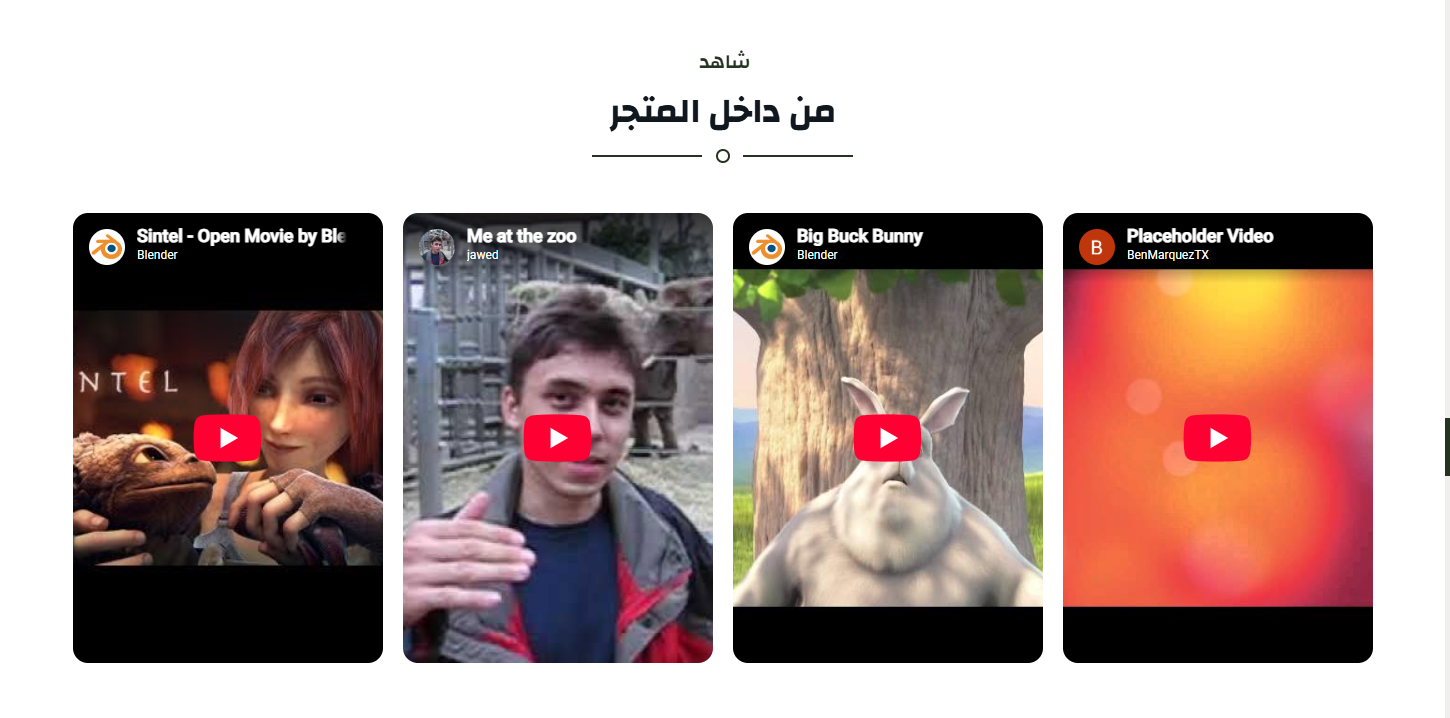
- Videos: a list you add to, each item holding: Video URL (https://www.youtube.com/embed/xxxxidxxxx or TikTok id), Or upload a video file (overrides the link), Poster image for the uploaded video
- Autoplay: off by default
- Show arrows: on by default
- Infinite: on by default
- Show dots: off by default
- Items count web (requires save): one of: 1, 2, 3, 4, 5, 6…
- Items count tablet (requires save): one of: 1, 2, 3, 4
- Hide section: Show or hide the whole section
- Full width: Stretch the section across the screen instead of the boxed container
- Top & bottom padding: The space above and below the section, 0 to 200px
- Title & subtitle: Main and sub heading text, each with its own colour
- Center title: Centre the heading or align it to the start of the line
- Title bottom spacing: The gap between the heading and the section content
- Background: A background colour or image, with a fixed-on-scroll option
- Overlay: A colour layer over the background image, with colour and opacity
A single video, full width or boxed, with a cover image and a play control.
- Show flower in the title: on by default
- Video: a video
- Controls: on by default
- Autoplay: on by default
- Hide section: Show or hide the whole section
- Full width: Stretch the section across the screen instead of the boxed container
- Top & bottom padding: The space above and below the section, 0 to 200px
- Title & subtitle: Main and sub heading text, each with its own colour
- Center title: Centre the heading or align it to the start of the line
- Title bottom spacing: The gap between the heading and the section content
- Background: A background colour or image, with a fixed-on-scroll option
- Overlay: A colour layer over the background image, with colour and opacity
A dividing line between sections in a colour and thickness you choose, or just a space when the thickness is 0 - to control how the page breathes.
- Full width: off by default
- Top Spacing (px): a slider
- Bottom Spacing (px): a slider
- Thickness (px) - 0 makes it a plain space: a slider
- Color: a colour
- Hide section: Show or hide the whole section
- Full width: Stretch the section across the screen instead of the boxed container
- Top & bottom padding: The space above and below the section, 0 to 200px
- Title & subtitle: Main and sub heading text, each with its own colour
- Center title: Centre the heading or align it to the start of the line
- Title bottom spacing: The gap between the heading and the section content
- Background: A background colour or image, with a fixed-on-scroll option
- Overlay: A colour layer over the background image, with colour and opacity
The theme ships two complete product page designs, chosen from one dropdown in the general settings. Switching is immediate and needs no code.
The default design
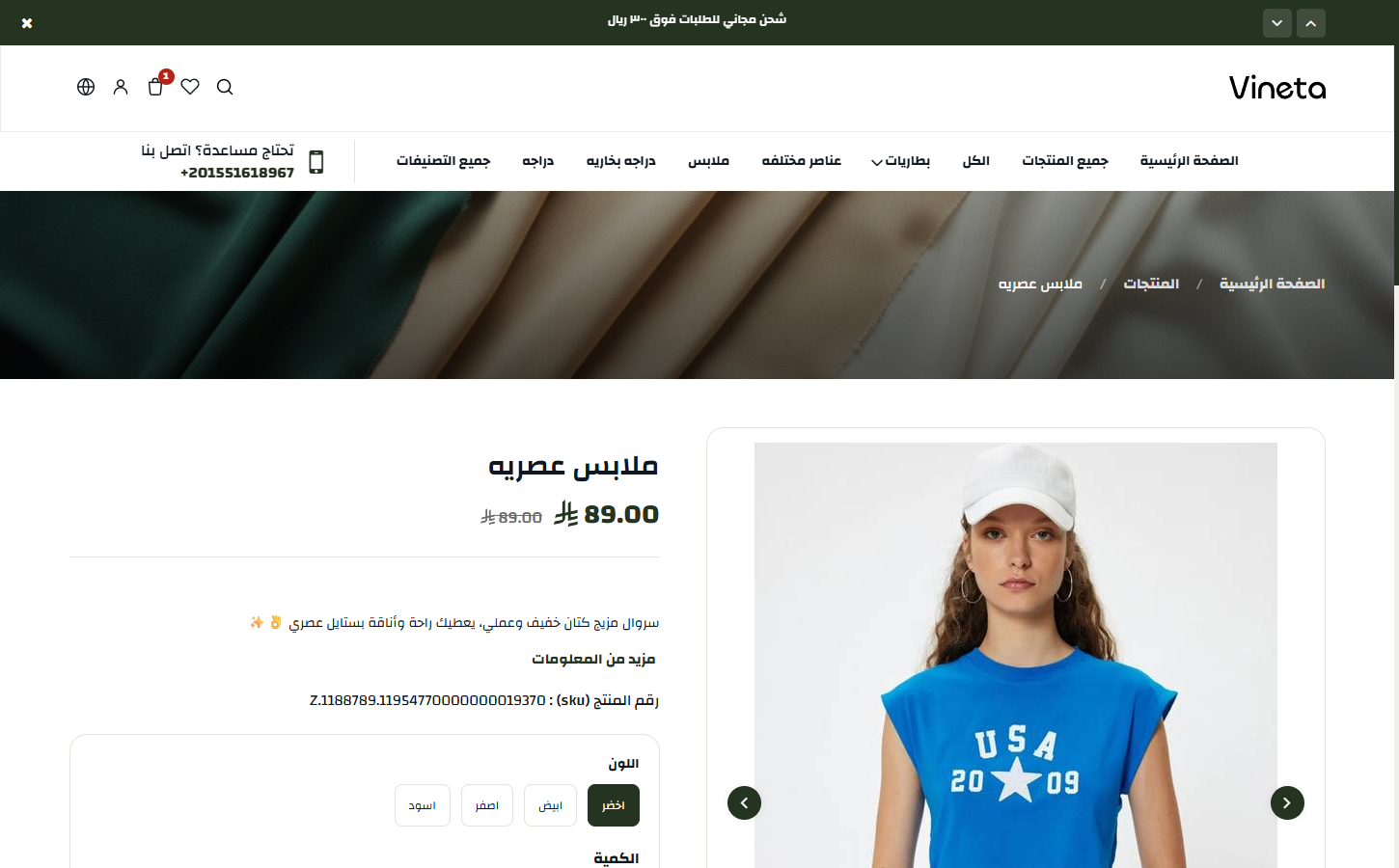
A gallery with thumbnails beside it and the information in a column alongside - the classic arrangement every buyer knows.
The professional design
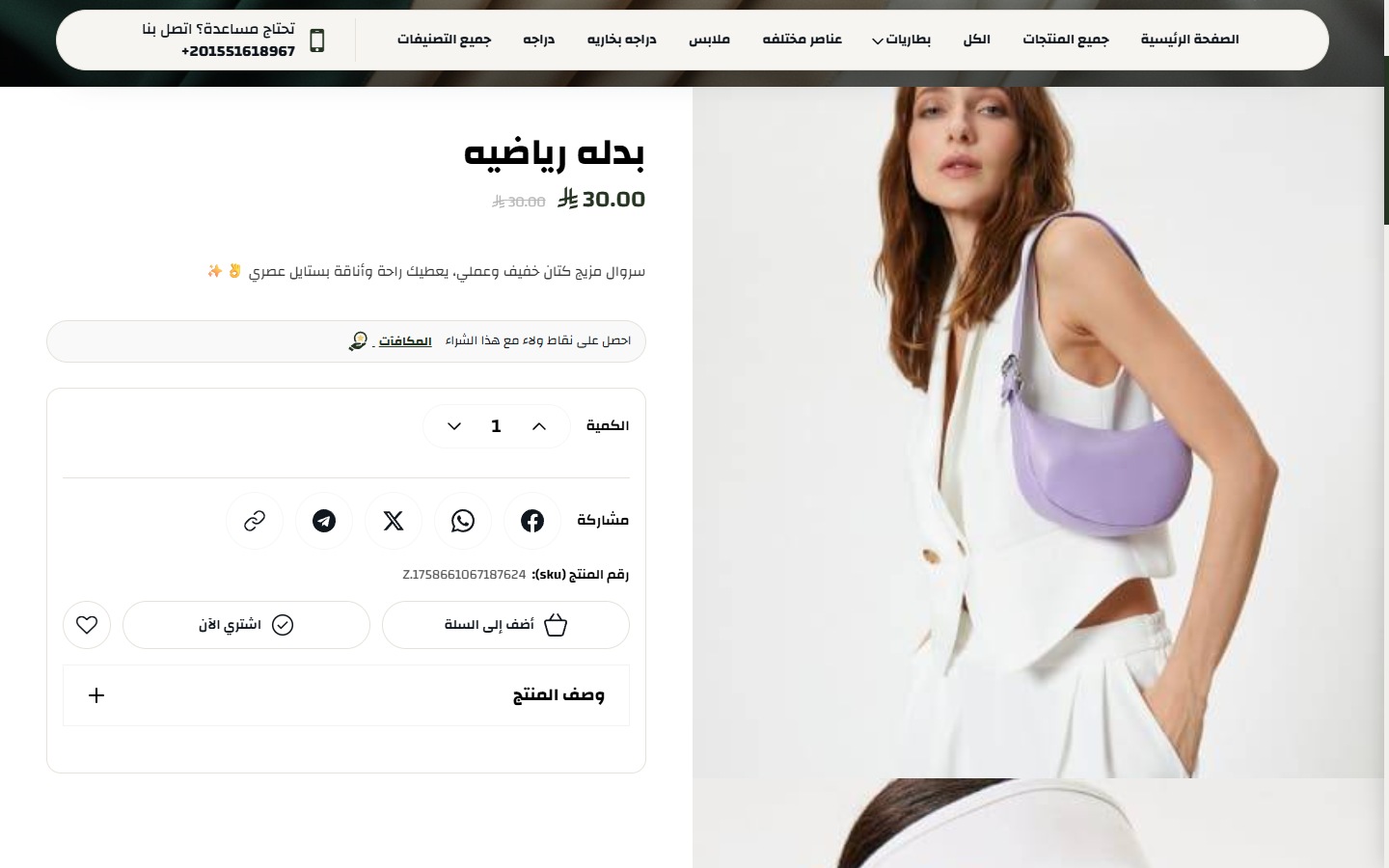
Pictures stacked full width with the information panel staying with you as you scroll, and an option for each picture to hold while the next slides over it - closer to how international stores present a product.
Options
- Product page design: default or professional
- Sticky product images: each picture holds while the next slides over it
- "You may also like" on the product page: a row of suggestions below
- "You may also like" on the cart page: the same row inside the cart
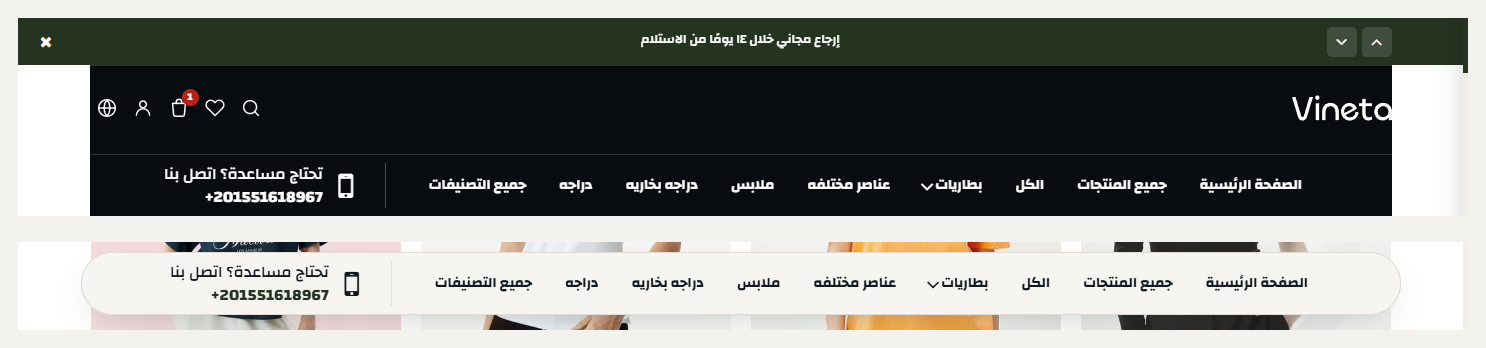
The header has more than one layout, each with its own settings: where the logo sits, how search appears, which icons show, and how the header behaves as it sticks on scroll - set independently for the home page and inner pages.
Related themes
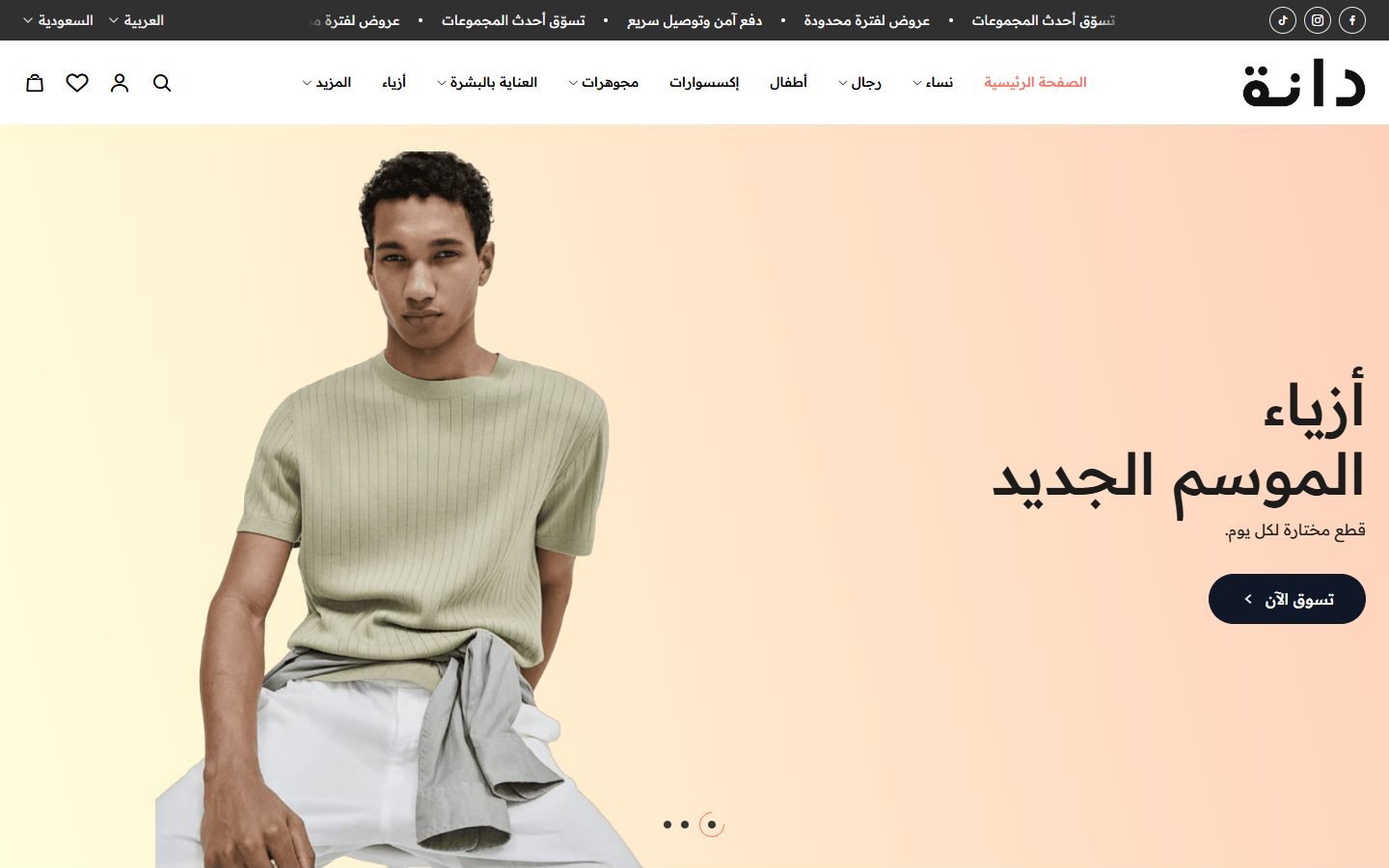
Dana
A Zid theme with 30 ready designs for different kinds of stores, in Arabic and English.
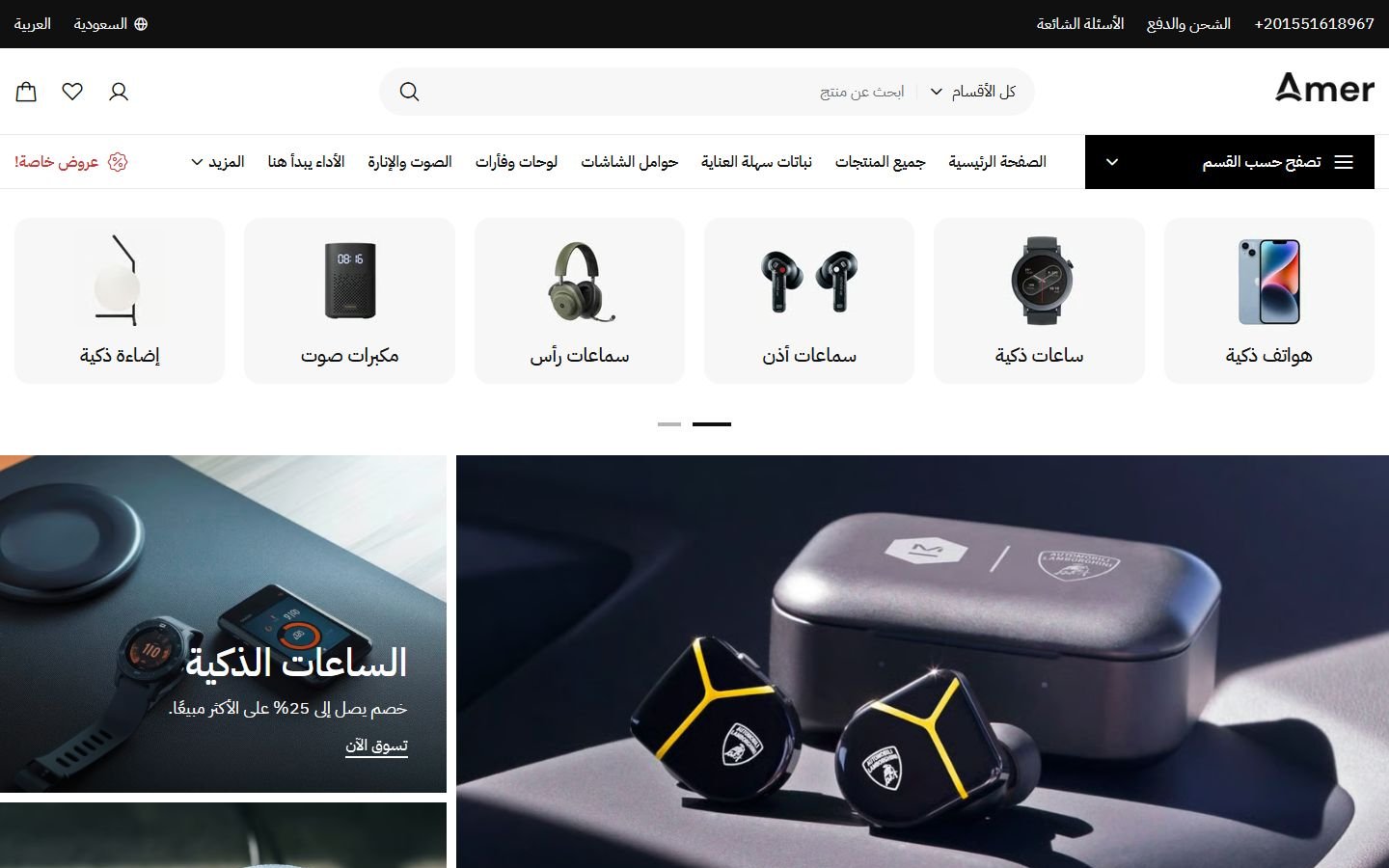
Amer
A Zid theme with 22 ready designs for different kinds of stores, in Arabic and English.
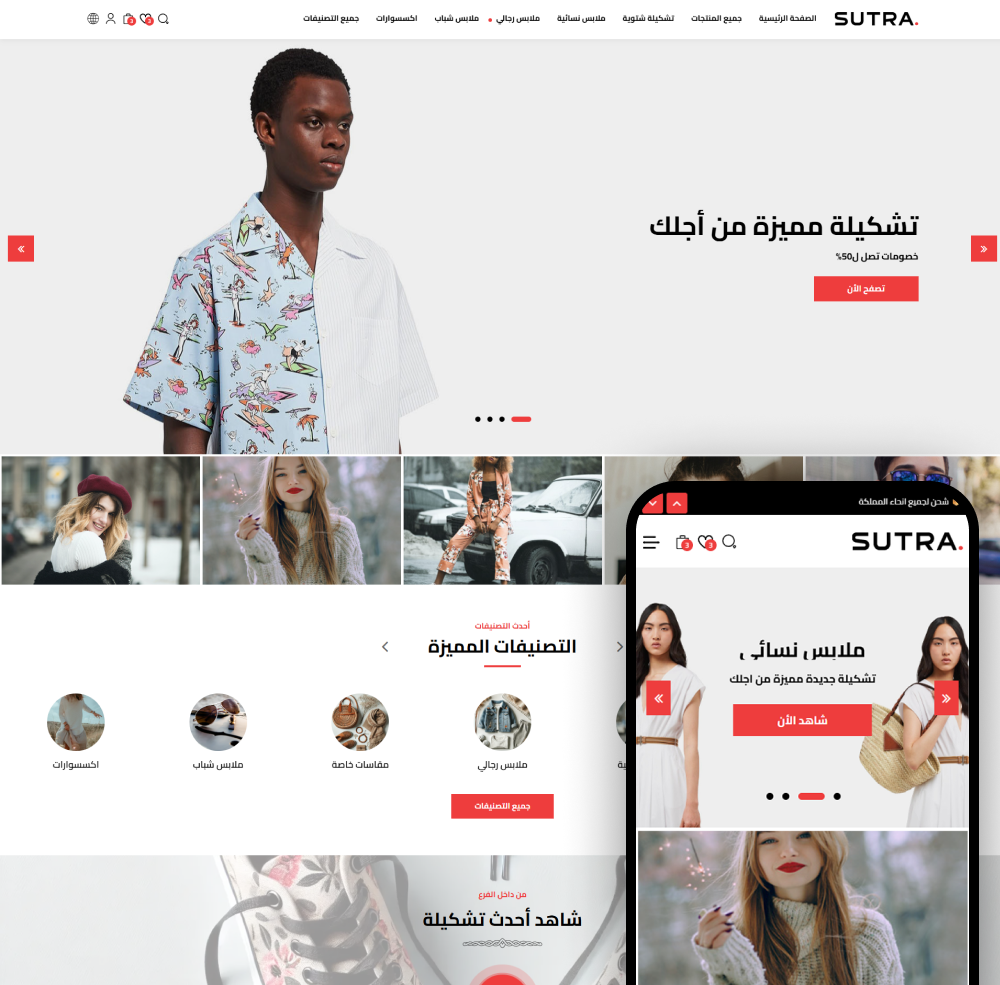
Sutra
Sutra - the best Zid store theme to grow your sales. Modern, mobile-friendly, and easy to customize.
Not sure which theme to pick?
Our team helps you pick the theme and customize it for your store.
Contact us